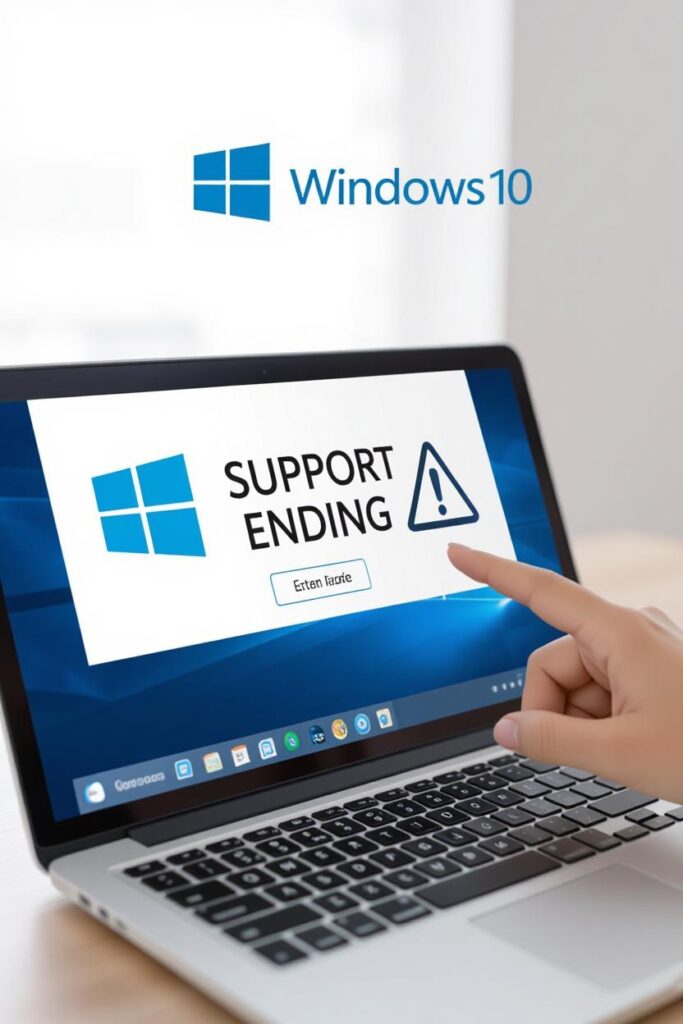
Windows 10 Support Ending Soon: What It Means for Millions of Users
Microsoft has officially confirmed that Windows 10 support will end in October 2025, a move that affects over 200 million active devices worldwide. While newer PCs are running Windows 11, millions of users still rely on Windows 10 for their day-to-day operations.
According to a consumer watchdog, this decision could put millions of users at risk, exposing them to security vulnerabilities, malware, and hacking attempts once official updates stop rolling out.
Why Windows 10 Support is Ending
Microsoft has always operated on a “support lifecycle” model. Each operating system is supported for a set period, after which it no longer receives updates. For Windows 10, that deadline is October 14, 2025.
After this date:
No more security patches.
No bug fixes.
No technical support from Microsoft.
This essentially leaves every Windows 10 device unprotected against future cyber threats.
The Risks for Windows 10 Users
Without updates, Windows 10 devices will become prime targets for hackers. Cybercriminals often exploit outdated systems because they know vulnerabilities won’t be patched anymore.
The main risks include:
Malware infections spreading unchecked.
Ransomware attacks targeting unpatched systems.
Phishing exploits that prey on weak defenses.
Data breaches leading to financial and personal losses.
For businesses, this could mean huge compliance failures and financial penalties if customer data is compromised.
What Can Users Do Now?
If you’re still on Windows 10, you have three main options:
1. Upgrade to Windows 11
The most direct option is upgrading to Windows 11 — but not all PCs meet the system requirements. Newer hardware with TPM 2.0 and Secure Boot is mandatory.
2. Buy a New PC
If your current device isn’t compatible with Windows 11, upgrading your hardware might be the only choice. This is what Microsoft is indirectly pushing users toward.
3. Explore Alternatives
Tech-savvy users may switch to Linux distributions like Ubuntu, which offer regular updates and are free to use. For many, this could be a cost-effective and secure alternative.
Expert Tips to Stay Safe
Backup Data Regularly: Keep multiple copies of your important files.
Install Antivirus Software: A strong third-party antivirus can add a layer of protection.
Limit Internet Use on Windows 10 PCs: The less exposure, the lower the risk.
Consider Virtualization: Run Windows 10 inside a secure virtual machine while using Linux/Windows 11 as your main OS.
Windows 10 is one of Microsoft’s most successful operating systems, powering over a billion devices at its peak. Its end of support is not just a technical shift — it’s a global security concern. Millions of users must now make critical decisions to stay safe.
The countdown has begun. With Windows 10’s end-of-life approaching in 2025, millions of users will face a tough choice: upgrade, replace, or risk exposure.
If you’re still running Windows 10, now is the time to act smart, plan ahead, and secure your digital life.
FAQ on Windows 10 End of Support
Q1. When will Windows 10 support officially end?
October 14, 2025.
Q2. Can I still use Windows 10 after 2025?
Yes, but without updates, your PC will be at high risk of cyberattacks.
Q3. Is upgrading to Windows 11 free?
Yes, if your PC meets the system requirements. Otherwise, you’ll need to buy a new device.
Q4. What if my PC doesn’t support Windows 11?
You can either continue at your own risk, buy a new PC, or switch to Linux.
Q5. Will businesses be affected more?
Yes, since outdated systems can lead to data breaches, compliance issues, and heavy losses.